by Zach Woolfork
Don't Start Building Until You Have This: The Ultimate Website Content Checklist for Creatives
Building a professional website as a creative—whether you're a designer, photographer, videographer, or running a production company—is exciting, but the process can quickly stall when you realize how much content you actually need. You can have the perfect template from Squarespace, Framer, Wix, or WordPress, but if your content isn't ready, you're just guessing.
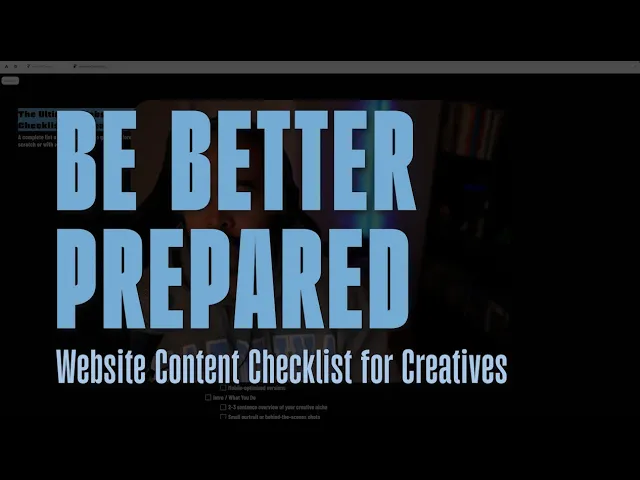
To solve this content chaos, I put together a free, simple, and organized resource: The Ultimate Website Content Checklist for Creatives. The entire point of the checklist is to ensure you have everything ready to go before you even start designing or developing the site.
Here is a breakdown of the critical areas the checklist covers to ensure your creative website is complete and professional.
1. The Core Foundation
The checklist begins by establishing the fundamental building blocks of your online presence.
Brand Essentials and a clear Website Navigation Structure.
Start Simple: If you're building your first website, a single, comprehensive landing page might suffice. The checklist is designed to work for both single-page sites and larger, multi-page expansions.
2. Crafting the Perfect Homepage
The homepage is your most important piece of real estate, and the checklist ensures you don't miss any critical elements in a typical website structure.
The Hero Section: This needs to be powerful and includes your main header, subtext, a secondary Call-to-Action (CTA), and compelling hero media (image or video).
Featured Work: Showcase your best talent. The video suggests having between three to six strong portfolio pieces ready to feature.
Services Overview: A concise summary of the services you offer to immediately inform potential clients.
3. Essential & Unique Page Content
Beyond the homepage, you'll need content for your dedicated pages.
Core Pages: Content for the dedicated Portfolio Page, About Page, and Services Page.
Optional Blog: Content strategy for your blog, if you choose to include one.
The Gear/Tools Page: A unique addition to the checklist is a section for the Gear or Tools you use. This is not only helpful for your audience but also creates a valuable opportunity to include affiliate links and monetize your site.
A Critical Reminder: Optimization for Speed
One of the most frequently overlooked items by creatives is the technical preparation of assets. The checklist serves a friendly reminder to use web-optimized versions of your photos and compressed versions of any videos. These steps are crucial for ensuring your website loads quickly and offers an optimal user experience.
If you're planning to build a website or use a template, this checklist is an invaluable resource to transition from guessing what you need to executing the build with confidence.
You can access the checklist anytime on desktop or mobile. Bookmark it: 🖥️ https://websitechecklist.framer.website/